The calender was a nice tool but I believe that I will use a planner more often that getting on the computer to write down dates. However, I just fell in love with the itranslate tool. My long time boyfriend is from Mexico and speaks fluent Spanish. In this age we are living in it is becoming very important to be able to know another language. This tool will help you learn Spanish and also maybe write letters to parents in Spanish if that if their native tongue. I believe this will help break down the language barrier that teachers might face in the classroom. I already had an iGoogle account and love all of the personalization that is possible. You can add all sorts of things to y our home page and therefore makes it an easy go to page for lots of current information. This would be good for teachers if they were to add things to their page that they will need for their classroom so they have it all in one place.
My Calender
https://www.google.com/calendar/render?pli=1&gsessionid=pPnsVmk7T48hVfKsuC9m2A
iGoogle
http://www.google.com/ig
itranslate
http://translate.google.com/#en|es|hello%20how%20are%20you%20doing%20today%3F%20I%20am%20very%20well.%20I%20do%20however%20have%20lots%20of%20homework%20left%20to%20be%20done.%20
Wednesday, September 29, 2010

Monday, September 27, 2010
Thing #11
I used the google blog search which I found to be the easiest. I just typed in education and it brought up tons of feeds that I could subscribe to. Also I used this to subscribe to cool cat teacher. Topix.net seemed to be the hardest for me. There was lots of information but I could not find any feeds that I was interested in. I do not know if this is because of what I was searching for or if it was just the site itself. I found several useful feeds that dealt with teaching in general and also zoning in on teaching mathematics.
Thing #10
I like the layout of RSS but I did find it quite difficult to find feeds that relate to math education. The feeds that I did find I think will be very useful in my classroom because they contain games, activities, and worksheets which I can use in the class. Teachers can take advantage of this technology by posting their experiences and helping out new teachers by giving advice and ideas for activities. It is hard to try and check all the different feeds everyday. I have a pretty demanding job which leaves little free time to do anything else but school and homework. I feel like RSS will be helpful in the future but not helpful enough now to try and create my own page. It's hard enough for me to try and get all these things done :(
Thing #9
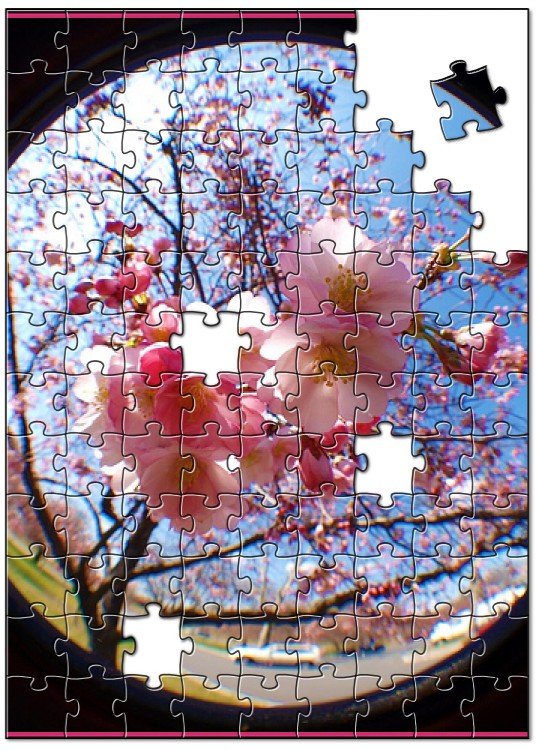
Creating the first image was very simple. I just found an image and added a caption to it. The next slide show was a little more difficult to figure out how to make it post correctly to the blog. I finally figured it out by editing the HTML and just pasting the code that the website provided. This can be used in the classroom to create interesting images to keep students interested in lessons. I believe that the more technology used in the classroom the more interested the students will he. However, this also makes it more difficult because students can get distracted and may lose focus on the lesson.

http://www.fototrix.com/upload.asp

http://www.fototrix.com/upload.asp

Thing #8

Thursday, September 23, 2010
Thing #7
I searched for several images that I found to be interesting to me. I finally settled on picking a butterfly picture. I always thought that butterflies represented freedom because of how beautiful and delicate they are. Using Flickr was actually quite easy to use and the pictures on the website are beautiful. I was afraid that because anyone could post pictures that the quality would take a hit but I was wrong. This image was taken by Guiseppe Di Rocco and actually won several awards for this picture. http://www.flickr.com/photos/giuliasilvia/4522523107/


Thing #6
I explored a site called www.woot.com This site sells one special item usually an electronic gadget, a day and at the end of 24 hours posts a brand new item. It has a continuous blog ,where people can discuss the special item of the day. The site also posts a video of the week and has several other blogs that were created for specific goods. I like this website a lot because it has tons of information about one specific thing and it changes everyday. The only negative I can think of is that the format of the website is a little overwhelming. There is a lot of information on one page with tons of links to other sites and blogs. It was a little scary when I first started to look into the site. I really could not see any use in the classroom. The only way I believe this site could be used would be to purchase technology for the school.
Subscribe to:
Posts (Atom)